
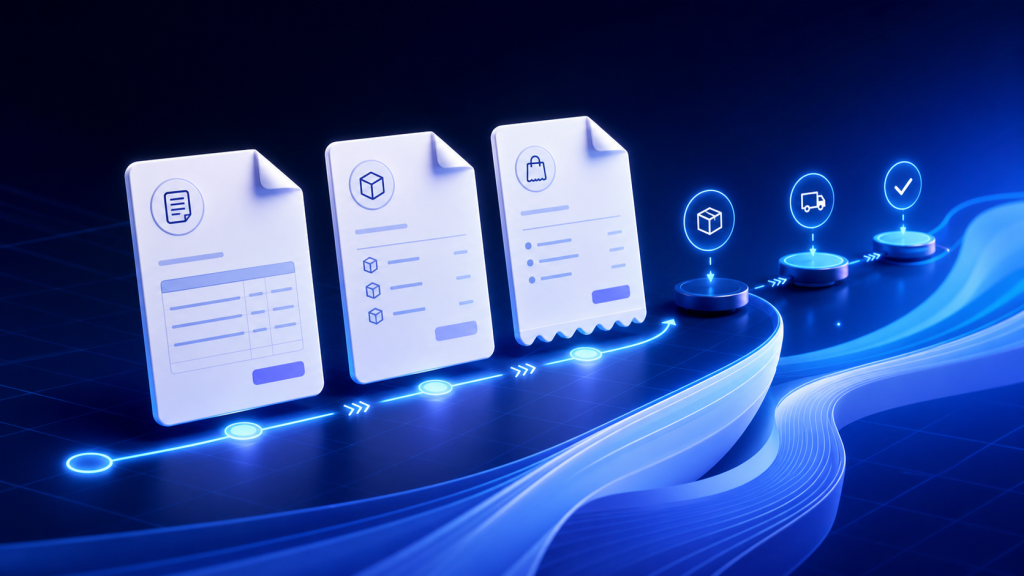
Order paperwork is most useful when each document has a clear job. Treating every PDF as the same generic printout creates extra checking for the fulfillment team and can put the wrong information in front of a customer.
Start with the purpose of the document
Before choosing a template, decide who will use the document and what they need to do with it. A warehouse picker needs a fast item checklist. A customer needs a clear summary of the purchase. An accounting workflow may require pricing, tax, and payment details.
Invoices
An invoice is the most complete commercial document in the workflow. It commonly includes store identity, billing and shipping information, line items, prices, discounts, tax, and totals. Use it when the recipient needs a formal record of the transaction.
Packing slips
A packing slip supports physical fulfillment. It should make products and quantities easy to scan while avoiding information the packing team does not need. Keeping the layout concise helps reduce visual noise at the packing station.
Receipts
A receipt confirms the completed purchase in a customer-friendly format. It can be included with a shipment or shared as a PDF when a customer needs a record that is simpler than a full invoice.
Print packs
A print pack is useful when one fulfillment action requires more than one document type. Combining the relevant paperwork into one controlled output helps the team avoid opening and printing separate files for the same order.
Keep the document aligned with the store
Branding is not only decorative. A recognizable logo, consistent business information, readable typography, and sensible page sizing make a document easier to trust and easier to use. Templates should also remain practical when an order contains many line items or long product names.
Preview before making the workflow repetitive
Preview a document with realistic order data before using it in bulk. Check page breaks, totals, customer addresses, product options, discounts, and tax presentation. Once the output is reliable, the same template can support downloads, email delivery, and larger fulfillment runs.
The best document is not the one with the most information. It is the one that gives the next person exactly what they need.
PDF Print Orders supports previews, downloads, invoices, packing slips, receipts, print packs, templates, branding, orders, and draft orders within one focused Shopify workflow.